


ASKO humidity alarm — the HumidityBox needs water
Humidity in the cabinet comes from a small water reservoir, the HumidityBox, that empties over a few weeks.
Mon–Sat, 8am–8pm
- Reminders, not failures
- No service needed
- Source: ASKO
Book a visit
Three short steps, about a minute.
or call (844) 879-5178
Loading appointment form…
The appointment form couldn’t load. Please try again.
What Humidity alarm (40%)
actually means.
Humidity in the cabinet comes from a small water reservoir, the HumidityBox, that empties over a few weeks. When a zone dries to 40 percent the cabinet alerts, since dry air can shrink corks over time.
ASKO home appliance display
What to do when Humidity alarm (40%) shows on the home applianceKind of codeReminders, not failures
Nothing has broken; the appliance has been counting hours, cycles or gallons and is asking for its routine care. A refrigerator lights a filter icon after about six months of water, a front-load washer suggests a tub-clean cycle after a set number of loads, a steam oven or a dishwasher asks for descaling or rinse aid, and some dryers remind you to check the exhaust. Do the task the reminder names, reset it the way the manual describes, and write the date in the service record.
Usually leads toNo service
Refill the HumidityBox as the manual shows; ASKO puts the average interval at about 30 days.
Shows up asDoor Seal Not Holding: Gaps, Tears and Doors That Drift Open
A door seal not holding is a gasket that lets air, heat or water past it: a cold storage door that drifts open, an oven door leaking heat, or a dish care or front-loader door that drips.
MakeASKO
ASKO upkeep is mostly dish care and laundry: the dishwasher's filter and spray arms, and the washer's drain filter and the dryer's lint and condenser filters.
SourceASKO wine climate cabinet user manual
Documented in the ASKO wine climate cabinet user manual (US).
Before you book,
in this order.
Each step comes from ASKO's own guidance for Humidity alarm (40%) on its home appliances. Follow it to the end: the last card says whether this is a visit.
Refill the HumidityBox as the manual shows; ASKO puts the average interval at about 30 days.
Close the door firmly and give the zone a few hours to recover.
Book a visit if the alarm keeps returning with a full HumidityBox.
Cleared?
The reminder is gone from the display, the filter, the screen or the tub has been cleaned or swapped, and the appliance runs a full cycle without calling for it again. A clean-filter light or a descale prompt that returns in days rather than months usually means the part it watches is fouling faster than normal, so mention that when you book.
What not to do
The alarm points to an empty reservoir, not to a cooling problem, and the cabinet keeps its temperature meanwhile. A temperature or sensor message on the same display is a repair.
What you may
notice with it.
The home appliance problems Humidity alarm (40%) tends to arrive with. Answer these at the home appliance before anyone is booked.
All problems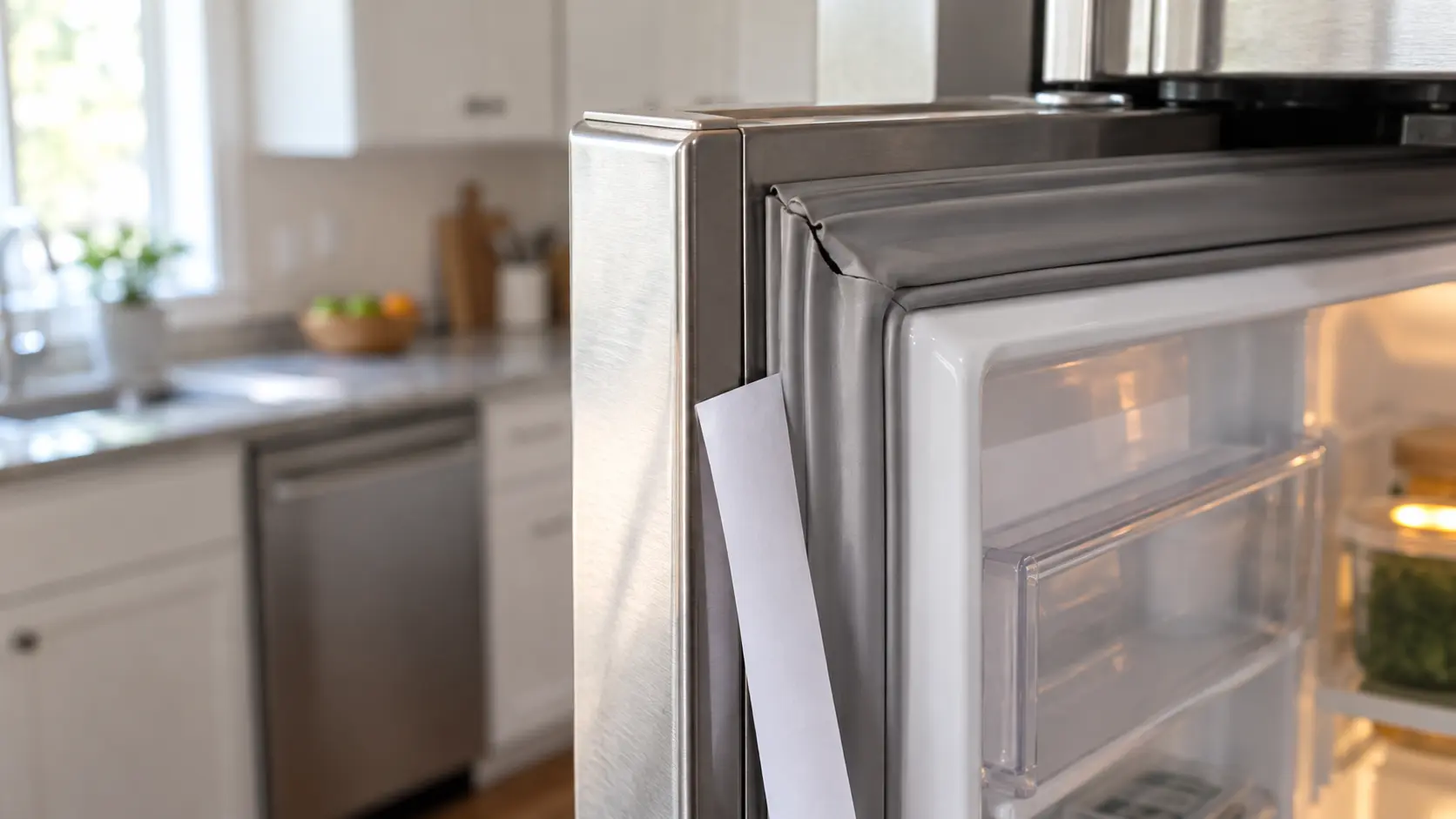
No service indicated
Nothing to service.
Nothing has broken; the appliance has been counting hours, cycles or gallons and is asking for its routine care. A refrigerator lights a filter icon after about six months of water, a front-load washer suggests a tub-clean cycle after a set number of loads, a steam oven or a dishwasher asks for descaling or rinse aid, and some dryers remind you to check the exhaust. Do the task the reminder names, reset it the way the manual describes, and write the date in the service record.
ASKO
home appliances.
ASKO upkeep is mostly dish care and laundry: the dishwasher's filter and spray arms, and the washer's drain filter and the dryer's lint and condenser filters.
ASKO home appliance maintenanceMore ASKO codes
Reminders, not failures on other makes

Cold storage
Upkeep for everything in the house that keeps things cold: refrigerators, freezers, wine and beverage units and ice makers, cleaned and checked before they start struggling.

Dish care
Upkeep for dishwashers and disposers: filters rinsed, spray arms cleared, the door seal and drain loop checked, and hard-water scale kept off the parts that heat and spray.

Laundry
Upkeep for washers, dryers and the exhaust run behind them: lint paths cleared, drain filters and door boots cleaned, supply hoses inspected before they give way.
In ASKO's own words
If humidity in any zone drops to 40% or below, an alarm will be activated.
Every code on this site is taken from the manufacturer's documentation, never from a forum or a parts listing. Documented in the ASKO wine climate cabinet user manual (US).
ASKO Humidity alarm (40%) home appliance maintenance,
where we come out.
The same visit in every metro below: the code, the model number, and a diagnosis before any part is ordered.
All service areasTampa BayFL · 31 areas
Miami / South FloridaFL · 47 areas
New York MetroNY · 75 areas
HoustonTX · 36 areas
ChicagoIL · 50 areas
Los AngelesCA · 95 areas
San DiegoCA · 31 areas

Questions
about Humidity alarm (40%).
Can I clear Humidity alarm (40%) myself?
How often does the ASKO HumidityBox need water?
Is dry air really a problem for stored bottles?
Does the cabinet stop cooling during the alarm?
Back to your everyday
Still showing Humidity alarm (40%)?
A booking goes further when it has the reminder or code as shown, the model number from the rating plate, and a word on when that filter, screen or tub was last cleaned. With those three, the office can pack the right filter or cleaner for your appliance.