

BlueStar hood: timer icon blinking with the blower off
BlueStar's push-button panel uses the same timer icon for two separate jobs; blinking specifically while the blower is off is the filter-due signal rather than the 15-minute countdown that runs while the blower is on.
Mon–Sat, 8am–8pm
- Filters
- Water filter and descaling service
- Source: BlueStar
Book a visit
Three short steps, about a minute.
or call (844) 879-5178
Loading appointment form…
The appointment form couldn’t load. Please try again.
What Timer icon blinking, blower off
actually means.
BlueStar's push-button panel uses the same timer icon for two separate jobs; blinking specifically while the blower is off is the filter-due signal rather than the 15-minute countdown that runs while the blower is on.
BlueStar home appliance display · also shown as filter clean reminder
What to do when Timer icon blinking, blower off shows on the home applianceKind of codeFilters
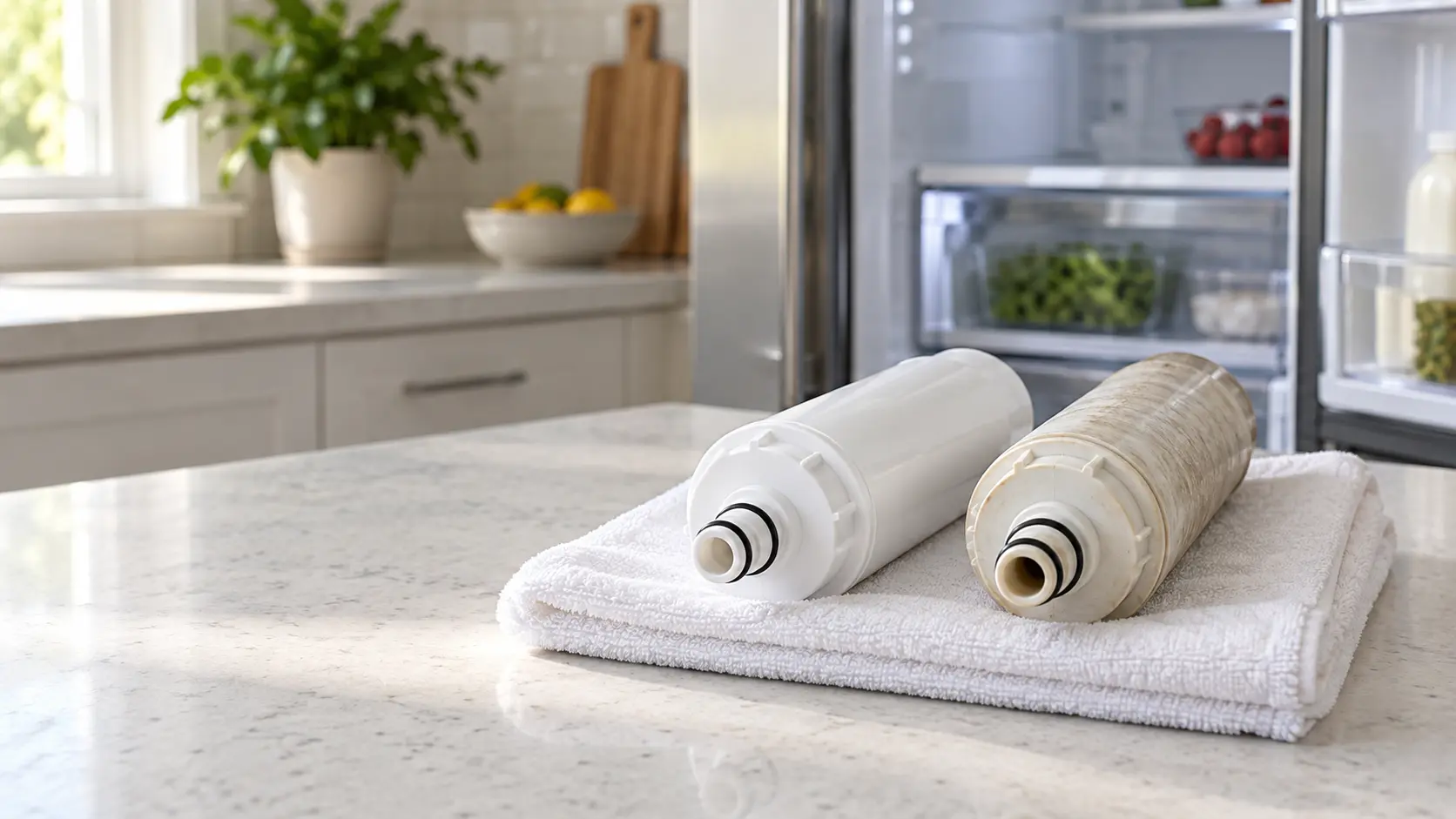
A filter has reached the end of its life or is clogged enough for the appliance to notice: a refrigerator water cartridge past its gallons or months, a hood's grease or charcoal filter loaded with residue, a dish-care filter packed with food, a washer inlet filter choked with grit. The fix is a clean or a new filter of the right part number, fitted with the appliance unplugged and the water closed where there is one, then the reminder reset.
Usually leads toWater filter and descaling service
Fresh filters in dispensers and ice makers, and scale cleared from steam ovens, ice makers and dish care machines.
Shows up asHood Fan Weak or Noisy: Grease Filters, Blower Wheel and Duct
A hood fan that is weak or noisy pulls little smoke or steam off the cooktop, roars, rattles or whistles, often after months of cooking without the filters being cleaned.
MakeBlueStar
BlueStar's open burners were designed to be cleaned easily, and a visit makes sure they, the oven and the hood above are ready for high heat.
SourceBlueStar wall hoods installation and use & care manual, 197299 Rev 2
BlueStar wall hoods covered by manual 197299 (hoods from May 2020 onward), across model prefixes AT, BZ, HA, IN, ME, MH, NR, PL, PM, PY, SC and WR.
Before you book,
in this order.
Each step comes from BlueStar's own guidance for Timer icon blinking, blower off on its home appliances. Follow it to the end: the last card says whether this is a visit.
Remove the baffle filters and the rear filter holder.
Wash them in the dishwasher or in warm soapy water without disassembling the baffles.
Refit them fully dry, then press and hold the timer key for three seconds to reset the reminder.
Book a visit if the icon keeps blinking after the reset.
Still there?
It usually turns into water filter and descaling service. Book with the code and the model number.
What not to do
With the blower off, the blinking icon is only a cleaning reminder and nothing is counting down. The same icon blinking while the blower runs is a different message, the 15-minute timer.
What you may
notice with it.
The home appliance problems Timer icon blinking, blower off tends to arrive with. Answer these at the home appliance before anyone is booked.
All problems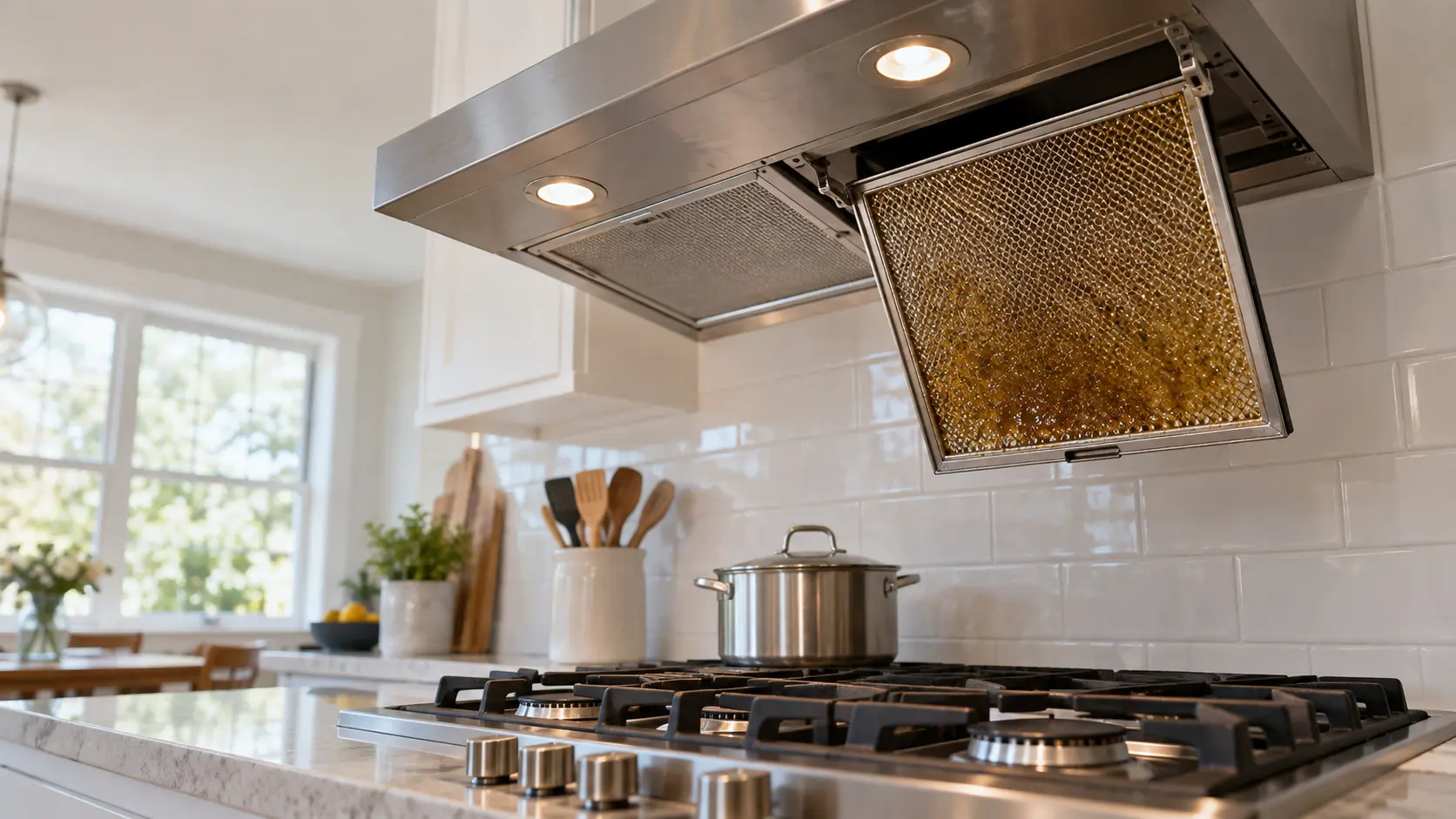
Where Timer icon blinking, blower off usually leads
Water filter and descaling service.
BlueStar
home appliances.
BlueStar's open burners were designed to be cleaned easily, and a visit makes sure they, the oven and the hood above are ready for high heat.
BlueStar home appliance maintenanceFilters on other makes

In BlueStar's own words
If timer icon is blinking when the blower is not running, this indicates the filters are due to be cleaned.
Every code on this site is taken from the manufacturer's documentation, never from a forum or a parts listing. BlueStar wall hoods covered by manual 197299 (hoods from May 2020 onward), across model prefixes AT, BZ, HA, IN, ME, MH, NR, PL, PM, PY, SC and WR.
BlueStar Timer icon blinking, blower off home appliance maintenance,
where we come out.
The same visit in every metro below: the code, the model number, and a diagnosis before any part is ordered.
All service areasTampa BayFL · 31 areas
Miami / South FloridaFL · 47 areas
New York MetroNY · 75 areas
HoustonTX · 36 areas
ChicagoIL · 50 areas
Los AngelesCA · 95 areas
San DiegoCA · 31 areas

Questions
about Timer icon blinking, blower off.
Can I clear Timer icon blinking, blower off myself?
How is the blinking timer icon on a BlueStar hood cleared?
Is anything else worth cleaning besides the filters when this reminder appears?
Can the baffle filters be taken apart for a more thorough clean?
Back to your everyday
Still showing Timer icon blinking, blower off?
A booking goes further when it has the reminder or code as shown, the model number from the rating plate, and a word on when that filter, screen or tub was last cleaned. With those three, the office can pack the right filter or cleaner for your appliance.