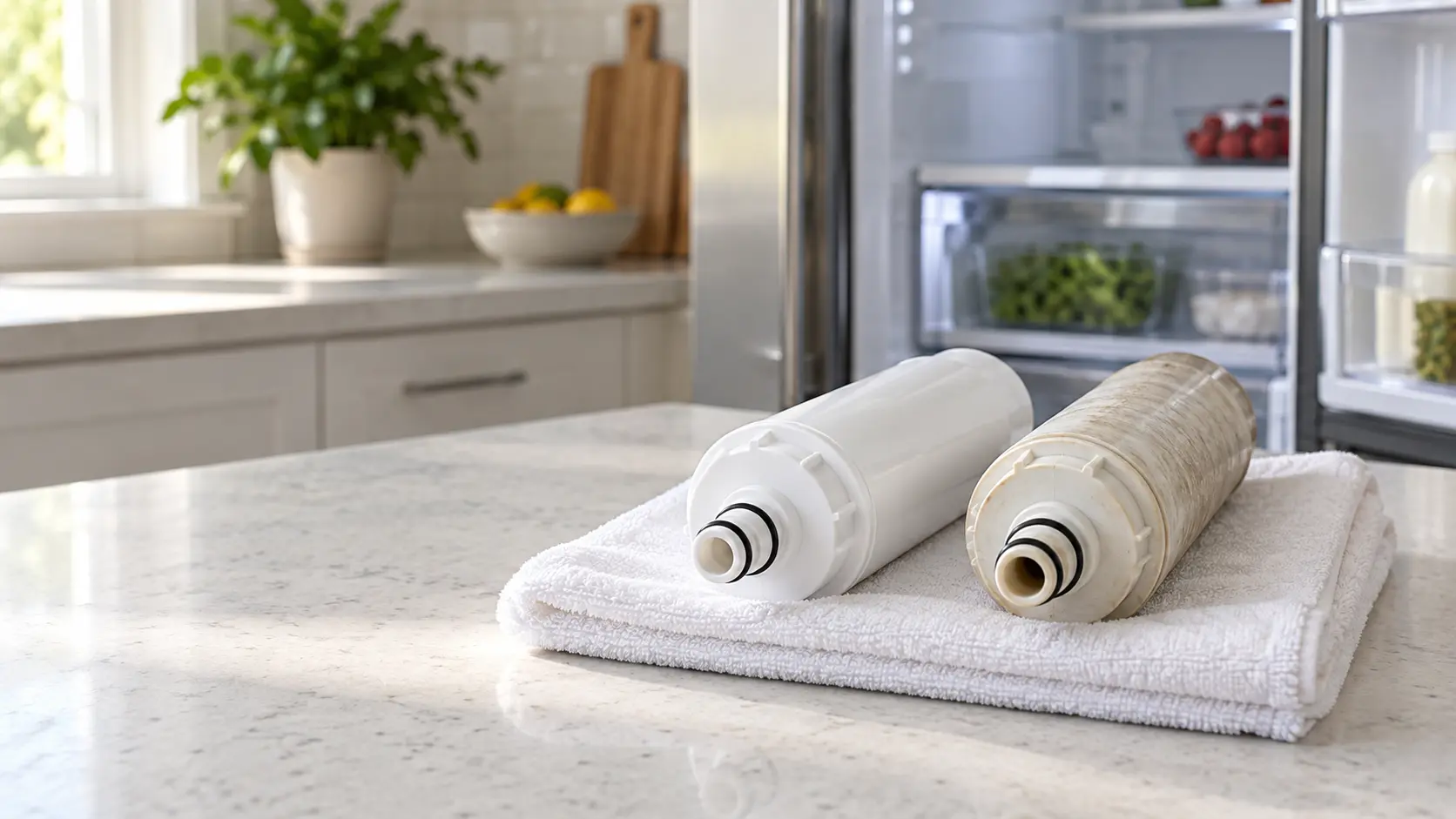


GE cold-storage unit — replace water filter reminder
GE's own manual says touch-screen models print a filter status message on screen, while non-touch models light an indicator on the dispenser panel, once the cartridge has been in service long enough — typically about six months of normal use.
Mon–Sat, 8am–8pm
- Filters
- Water filter and descaling service
- Source: GE
Book a visit
Three short steps, about a minute.
or call (844) 879-5178
Loading appointment form…
The appointment form couldn’t load. Please try again.
What Replace Water Filter
actually means.
GE's own manual says touch-screen models print a filter status message on screen, while non-touch models light an indicator on the dispenser panel, once the cartridge has been in service long enough — typically about six months of normal use.
GE home appliance display · also shown as Water Filter Indicator
What to do when Replace Water Filter shows on the home applianceKind of codeFilters
A filter has reached the end of its life or is clogged enough for the appliance to notice: a refrigerator water cartridge past its gallons or months, a hood's grease or charcoal filter loaded with residue, a dish-care filter packed with food, a washer inlet filter choked with grit. The fix is a clean or a new filter of the right part number, fitted with the appliance unplugged and the water closed where there is one, then the reminder reset.
Usually leads toWater filter and descaling service
Fresh filters in dispensers and ice makers, and scale cleared from steam ovens, ice makers and dish care machines.
Shows up asWater or Ice Tasting Stale: Filter Age, Scale and Idle Lines
Water or ice tasting stale is dispenser water, cubes or nugget ice with a flat, musty, chemical or freezer-food taste, often cloudy, slow to come or smaller than it used to be.
MakeGE
GE appliances are in more American homes than almost any other name, and most of them need the same simple care: clean coils, fresh filters and a clear exhaust run.
SourceGE refrigerator owner's manual (GFE28GYNFS / PFE28KYNFS platform)
Confirmed on GE and GE Profile French-door models sharing the same water system manual; touch-screen and non-touch models display the reminder differently.
Before you book,
in this order.
Each step comes from GE's own guidance for Replace Water Filter on its home appliances. Follow it to the end: the last card says whether this is a visit.
Replace the cartridge with the matching GE filter for the model.
If the light or message doesn't clear on its own, press and hold the water dispenser button for 3 seconds until a reset tone sounds.
Check that the new filter is seated fully — the manual notes a wrong seat can leave the light on even with a fresh cartridge.
If flow at the dispenser or ice maker has slowed before the light appears, replace the filter early rather than waiting for the reminder.
Still there?
It usually turns into water filter and descaling service. Book with the code and the model number.
What not to do
This reminder does not mean the compressor, seal or any refrigeration part has failed — it is purely a filter-service prompt, and the fridge keeps cooling normally with an expired filter, just without the filtration benefit.
What you may
notice with it.
The home appliance problems Replace Water Filter tends to arrive with. Answer these at the home appliance before anyone is booked.
All problems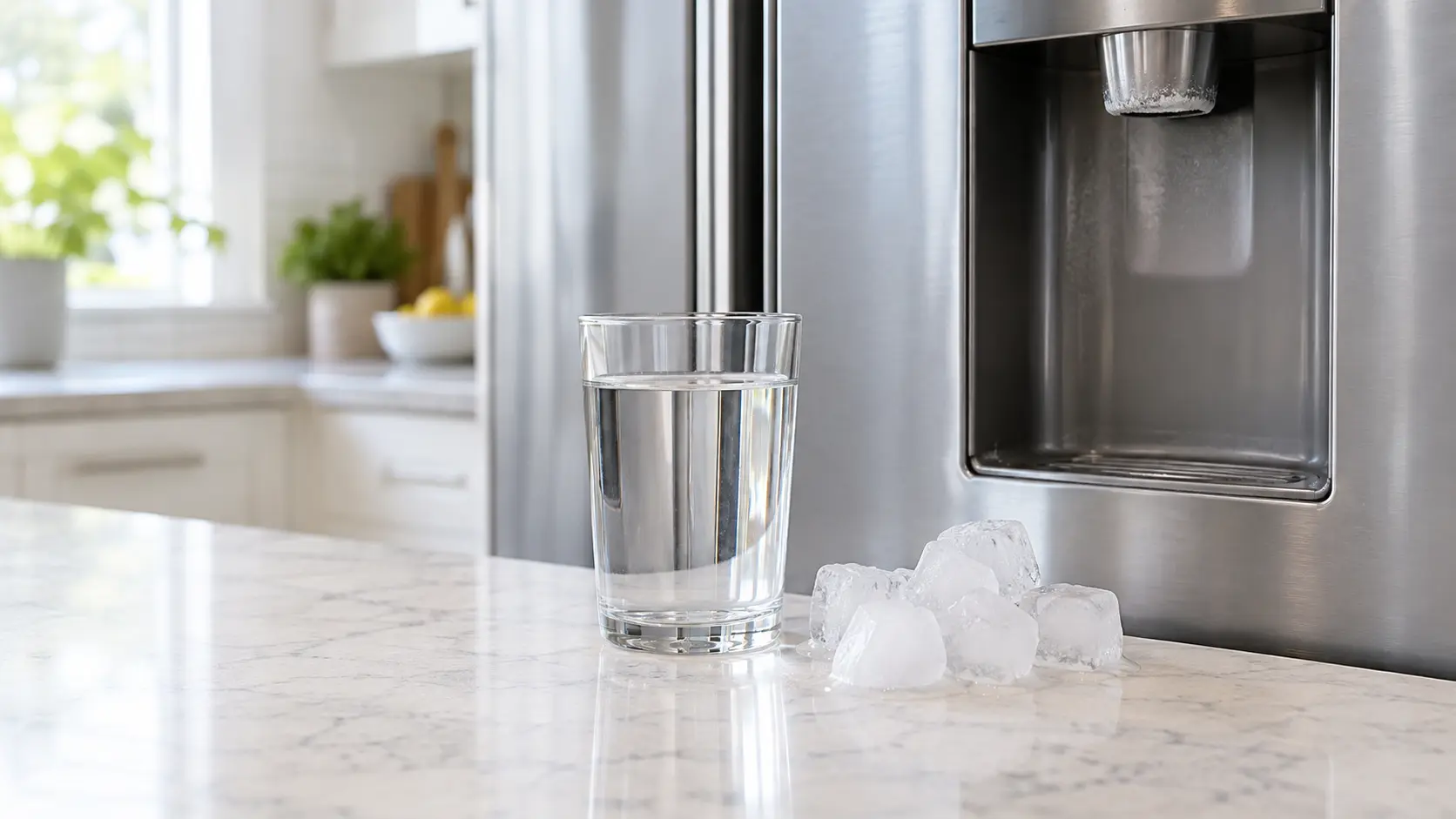
Where Replace Water Filter usually leads
Water filter and descaling service.
GE
home appliances.
GE appliances are in more American homes than almost any other name, and most of them need the same simple care: clean coils, fresh filters and a clear exhaust run.
GE home appliance maintenanceMore GE codes
Filters on other makes

Cold storage
Upkeep for everything in the house that keeps things cold: refrigerators, freezers, wine and beverage units and ice makers, cleaned and checked before they start struggling.

Cooking appliances
Upkeep for ovens, ranges, cooktops, hoods, microwaves, steam and speed ovens: burners and igniters cleaned, gas joints checked, grease filters and descaling done on time.

Dish care
Upkeep for dishwashers and disposers: filters rinsed, spray arms cleared, the door seal and drain loop checked, and hard-water scale kept off the parts that heat and spray.
In GE's own words
Touch Screen Models: A filter status message will appear on the screen when the water filter needs to be replaced.
Every code on this site is taken from the manufacturer's documentation, never from a forum or a parts listing. Confirmed on GE and GE Profile French-door models sharing the same water system manual; touch-screen and non-touch models display the reminder differently.
GE Replace Water Filter home appliance maintenance,
where we come out.
The same visit in every metro below: the code, the model number, and a diagnosis before any part is ordered.
All service areasTampa BayFL · 31 areas
Miami / South FloridaFL · 47 areas
New York MetroNY · 75 areas
HoustonTX · 36 areas
ChicagoIL · 50 areas
Los AngelesCA · 95 areas
San DiegoCA · 31 areas

Questions
about Replace Water Filter.
Can I clear Replace Water Filter myself?
Does the filter light mean the water is unsafe?
I replaced the filter and the light is still on — why?
How do I reset the light without a touch screen?
Back to your everyday
Still showing Replace Water Filter?
A booking goes further when it has the reminder or code as shown, the model number from the rating plate, and a word on when that filter, screen or tub was last cleaned. With those three, the office can pack the right filter or cleaner for your appliance.