

Ten-minute tasks with the appliance unplugged
Checks between visits
guides.
The quick checks a homeowner can make between visits with the power off: lint screens, drain and dish-care filters, gaskets, water cartridges, reminder lights and the rating plate a service record starts from.
Mon–Sat, 8am–8pm
- Three guides
- Read before you book
- Says where to stop
Book a visit
Three short steps, about a minute.
or call (844) 879-5178
Loading appointment form…
The appointment form couldn’t load. Please try again.
Checks between visits,
guide by guide.
These guides are for the owner who wants to keep an eye on things between visits without taking anything apart. They cover the short checks worth making every month or two, the reminder lights and clean prompts that appear on modern displays, and the model and serial numbers that make every later conversation about an appliance shorter.
All 18 guides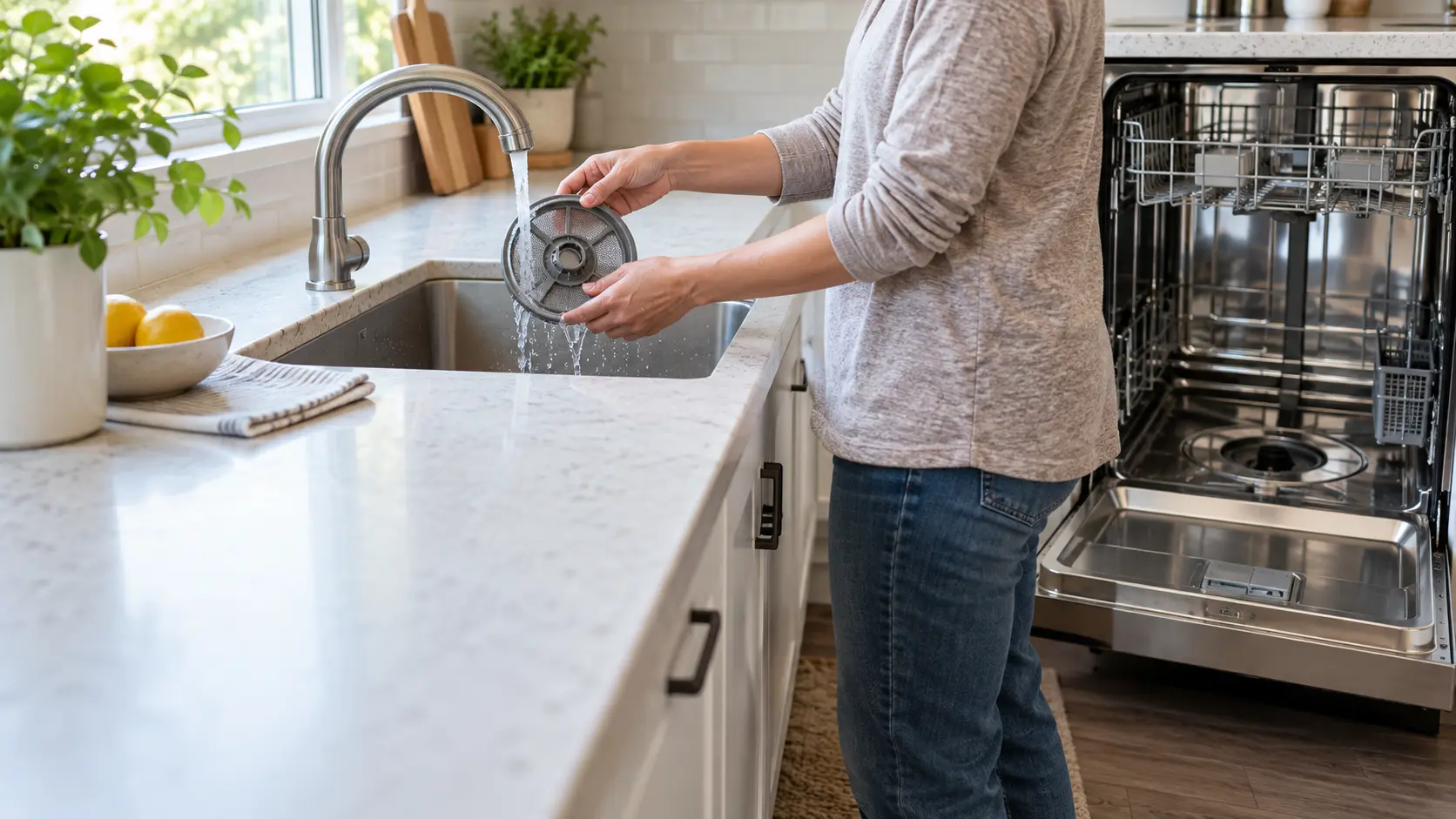
Ten-minute tasks with the appliance unplugged.
Every check here is done by looking, listening, reading a thermometer, lifting out a filter or watching a flap move outside. None needs a screwdriver, and none involves a panel, a gas fitting or a refrigerant line. Where a check would need any of those, the guide stops and says the job belongs to the visit.
The payoff is information. A technician who arrives to find dated filter changes, thermometer readings and a note that drying slowed in March works faster and misses less than one who starts from a description. The record also helps when a reminder starts returning sooner than it used to, which is often the first hint of a change.
When a display shows something that is not a maintenance reminder, our error code pages and the maker's manual come before any guesswork. A code that names no task, or that comes back right after the task is done, is treated as a possible repair rather than a cleaning job.
Not sure where to start?The short answerTen-minute checks between maintenance visits, one appliance group at a time
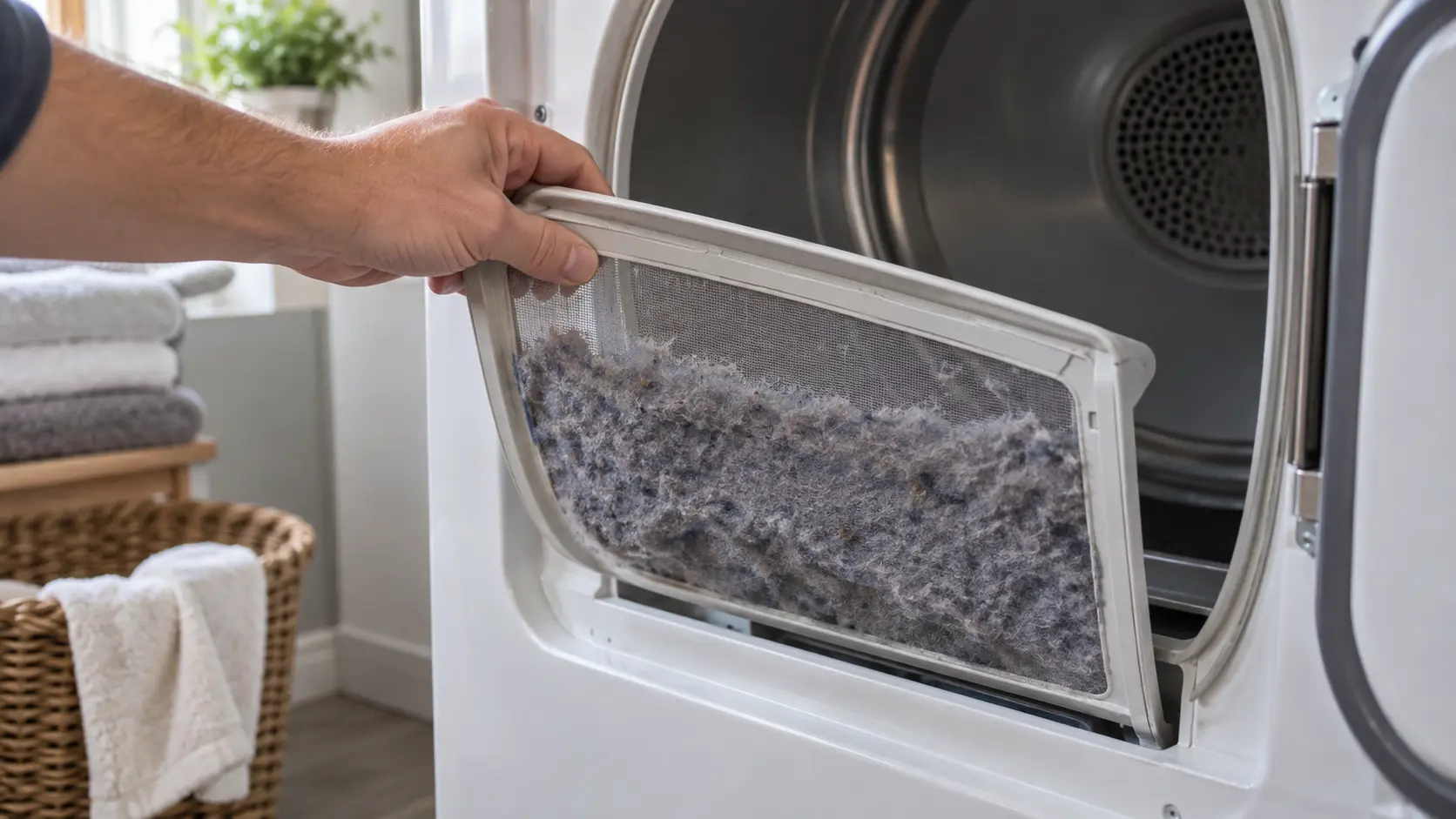
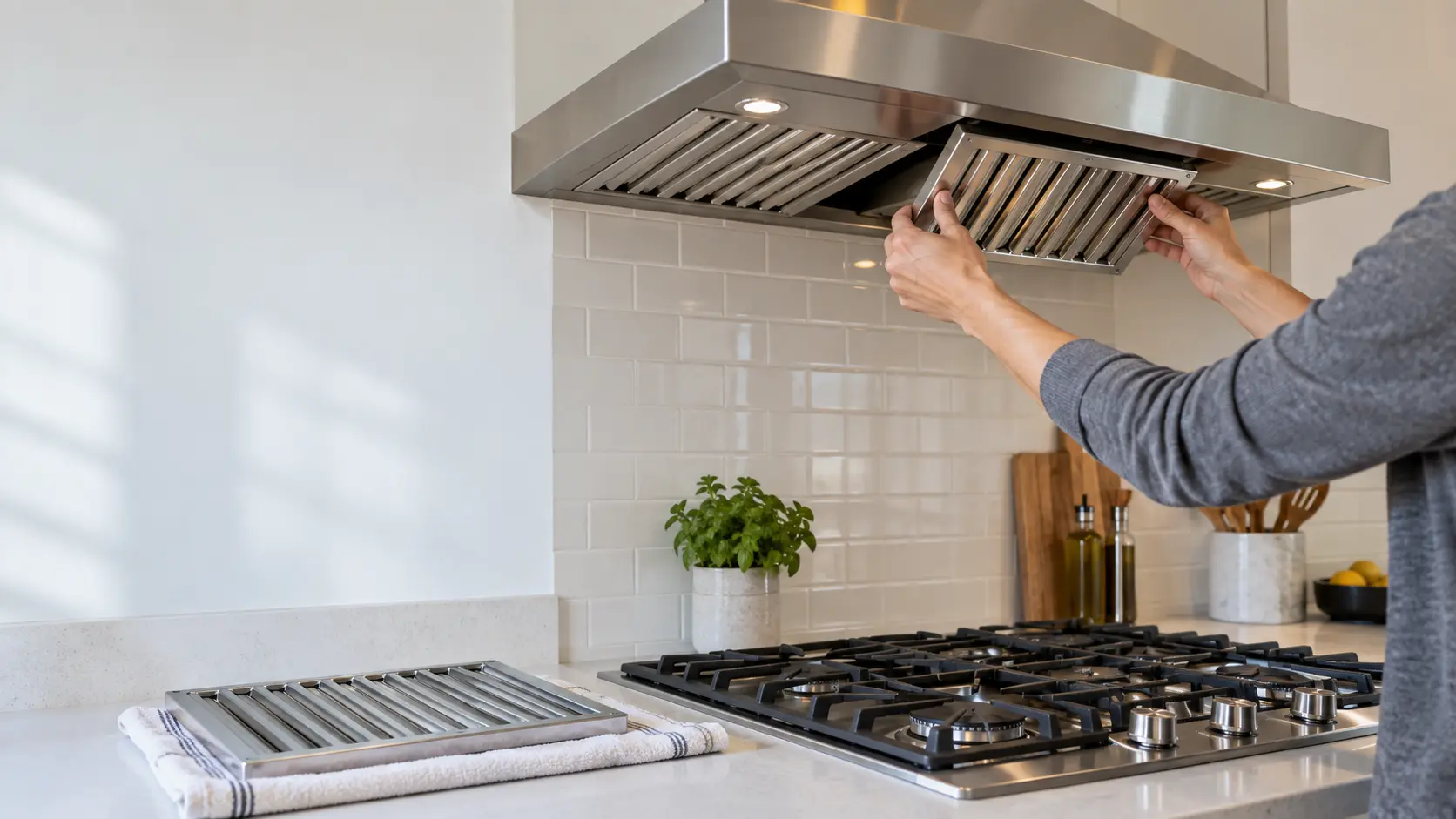
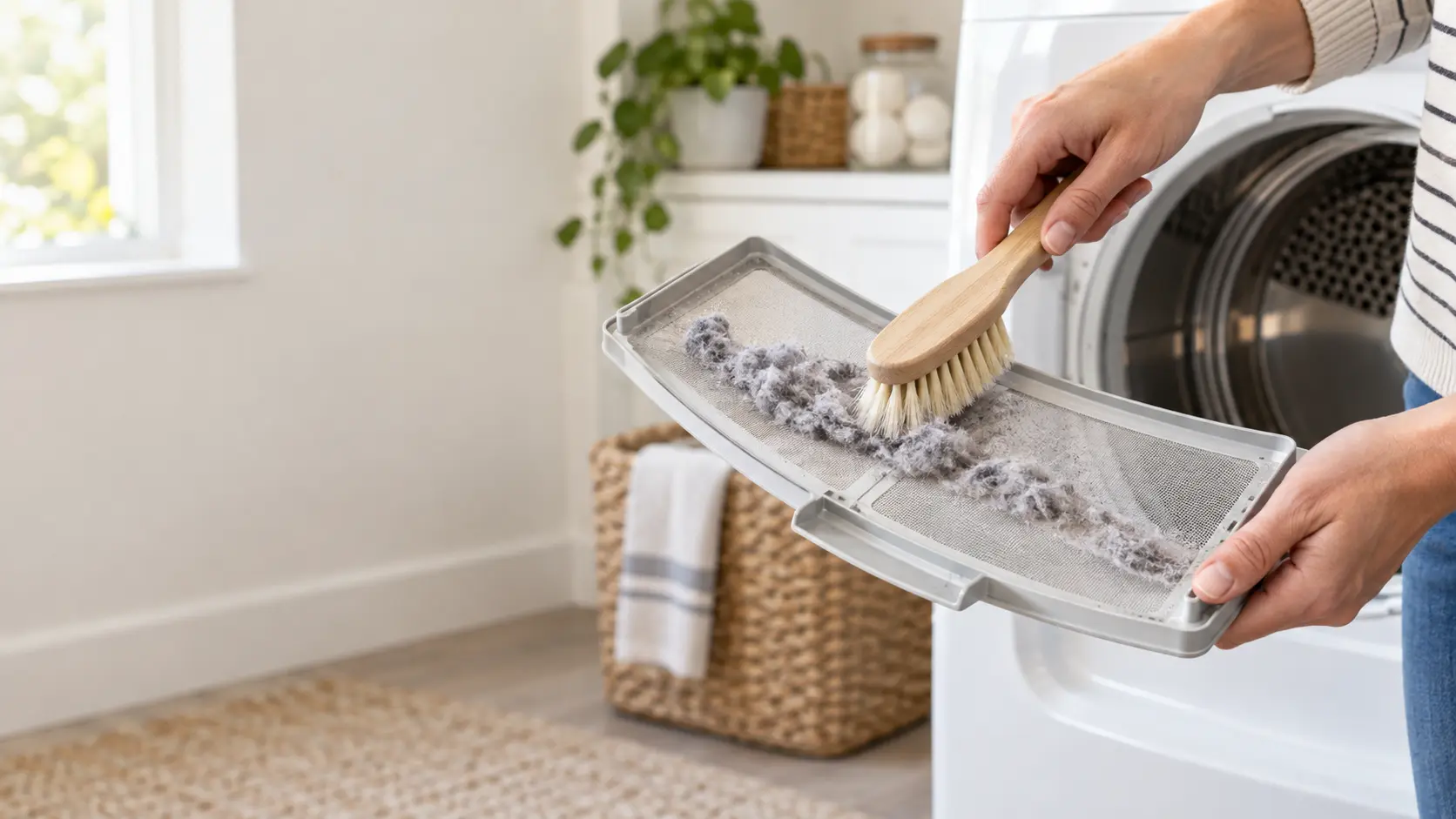
The checks between maintenance visits take about ten minutes with no tools: confirm cold storage holds 40°F and 0°F, look at the dispenser flow and the filter date, wipe the gaskets, clear the dish filter, clean the lint screen and watch the outside flap move, glance at the hood filter, and feel the laundry hoses for dampness.
The short answerReminder lights and clean codes: when the display is asking for upkeep
Appliance reminder lights ask for upkeep, not repair: a water filter indicator, a clean-washer or self-clean prompt, a dish filter light, a blinking CL for a dirty condenser, a hood filter icon after 100 hours, or a d80-style exhaust warning.
The short answerModel and serial numbers: starting a service record for every appliance at home
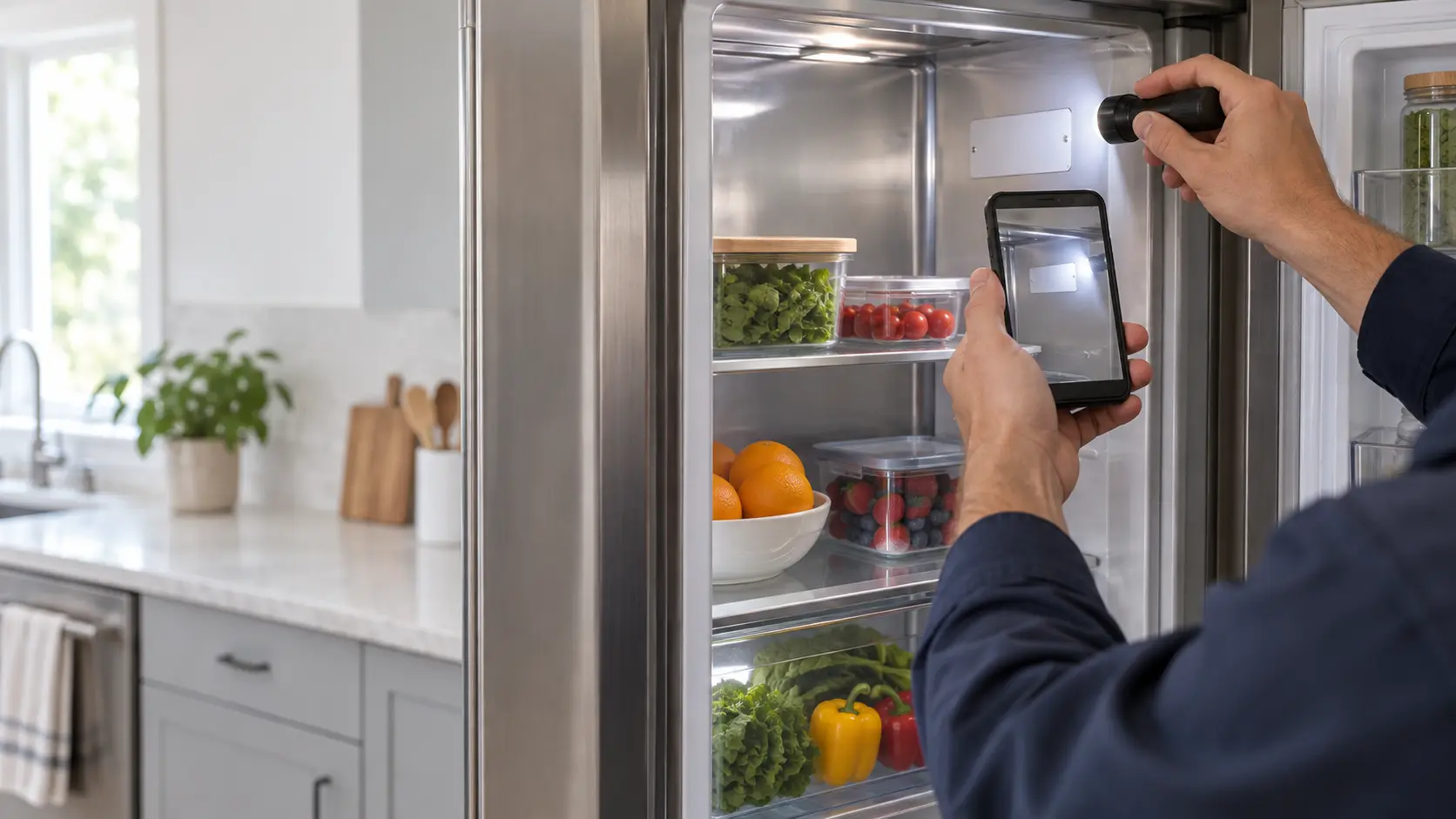
An appliance service record starts with the model and serial number from each rating tag, adds the purchase date and seller, the build date the serial encodes, the filter and hose part numbers, and then a dated line for every cleaning and part change.
When reading
is not enough.
If the checks in these guides did not settle it, the visit picks up from there, stop by stop.
What services cost- 01A walk around the house first
- 02Cleaned, checked and adjusted
- 03Wear parts before they fail
- 04A service record for the house
The problems
these answer.
Each has a page of its own, with the causes in the order worth checking.
All 17 problems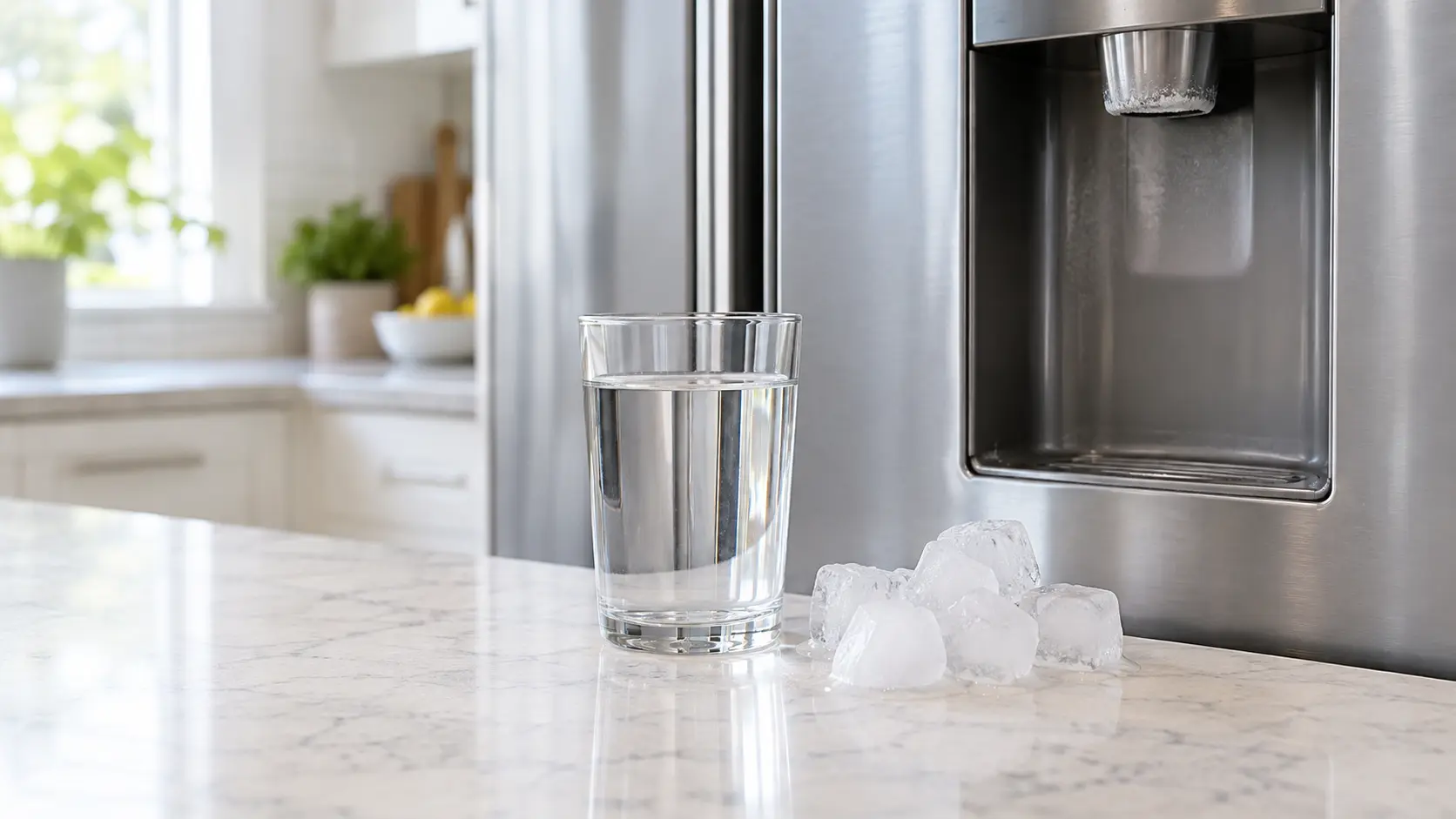
Water or Ice Tasting Stale: Filter Age, Scale and Idle Lines
6 causes, cheapest first
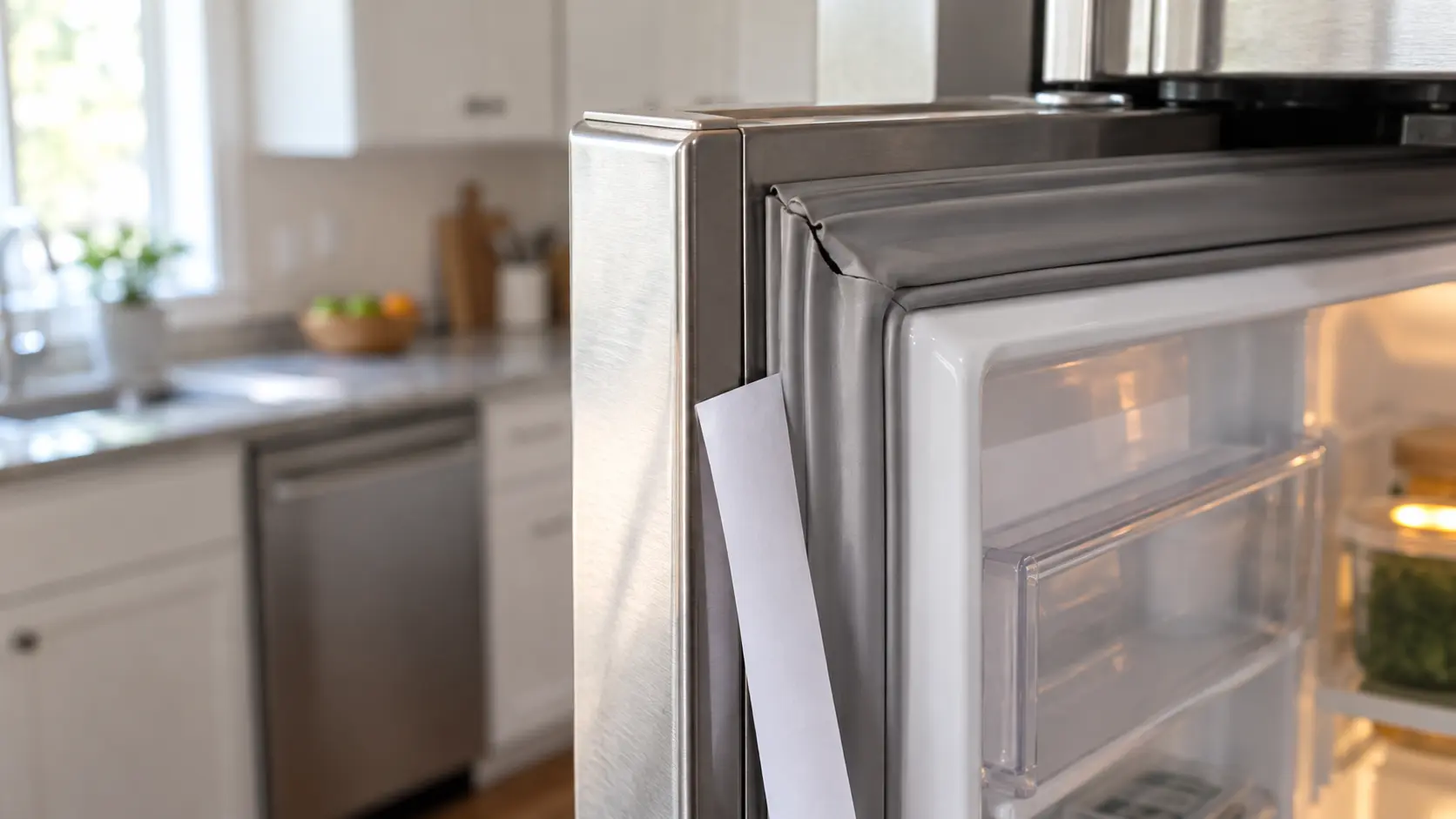
Door Seal Not Holding: Gaps, Tears and Doors That Drift Open
6 causes, cheapest first
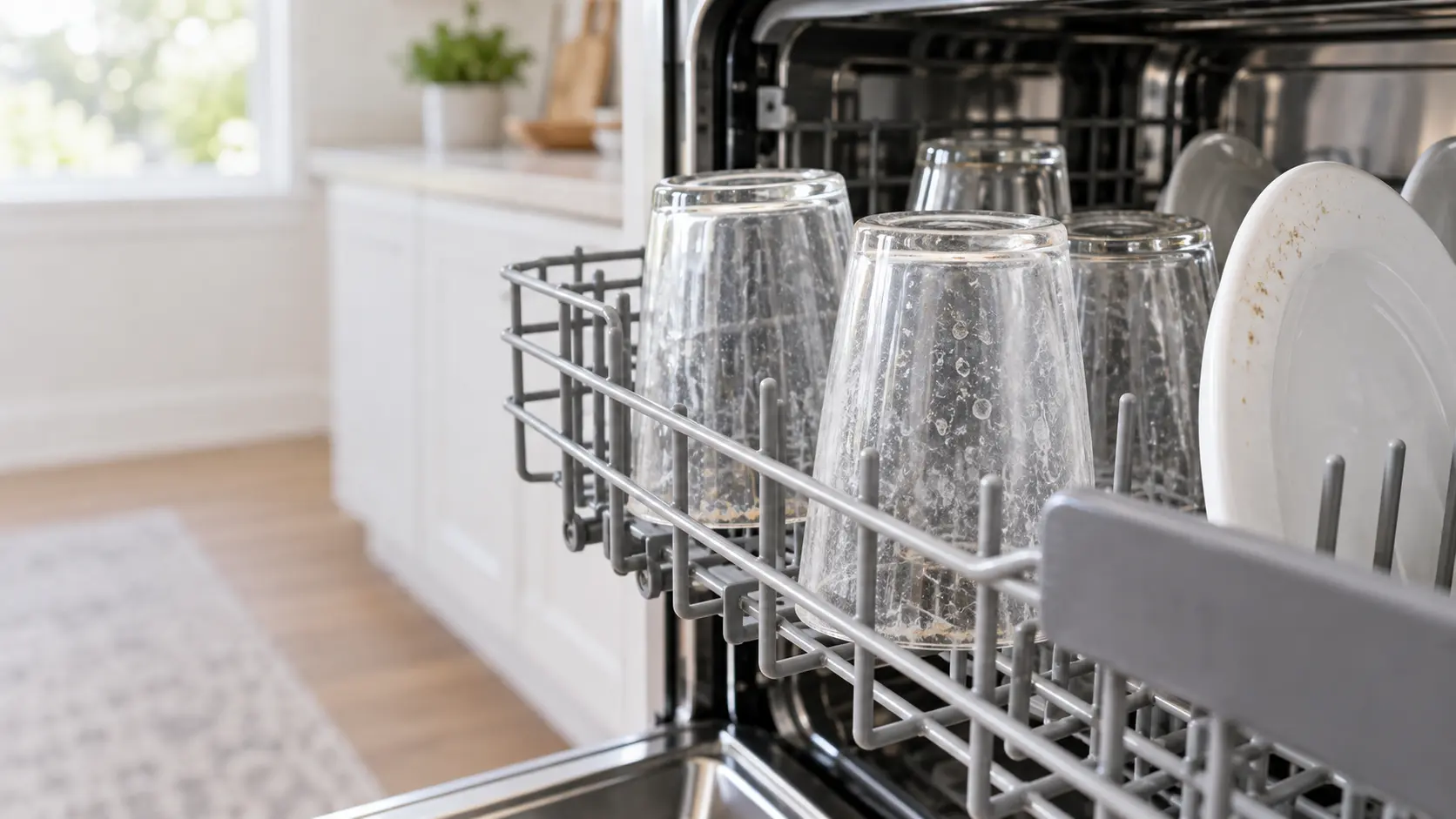
Dishes Coming Out Gritty or Spotted: Filter, Spray Arms and Rinse Aid
6 causes, cheapest first

Burner Flame Yellow or Uneven: Ports, Caps and the Air Mix
6 causes, cheapest first

Questions about
checks between visits.
What tools do the checks in this section need?
How is a reminder light different from an error code?
Why keep the model and serial numbers if the appliance works?
When should a check turn into a booking?
The other
sections.
Split by what you are trying to find out rather than by which part of the appliance it concerns.
All guides
Signs an appliance is due
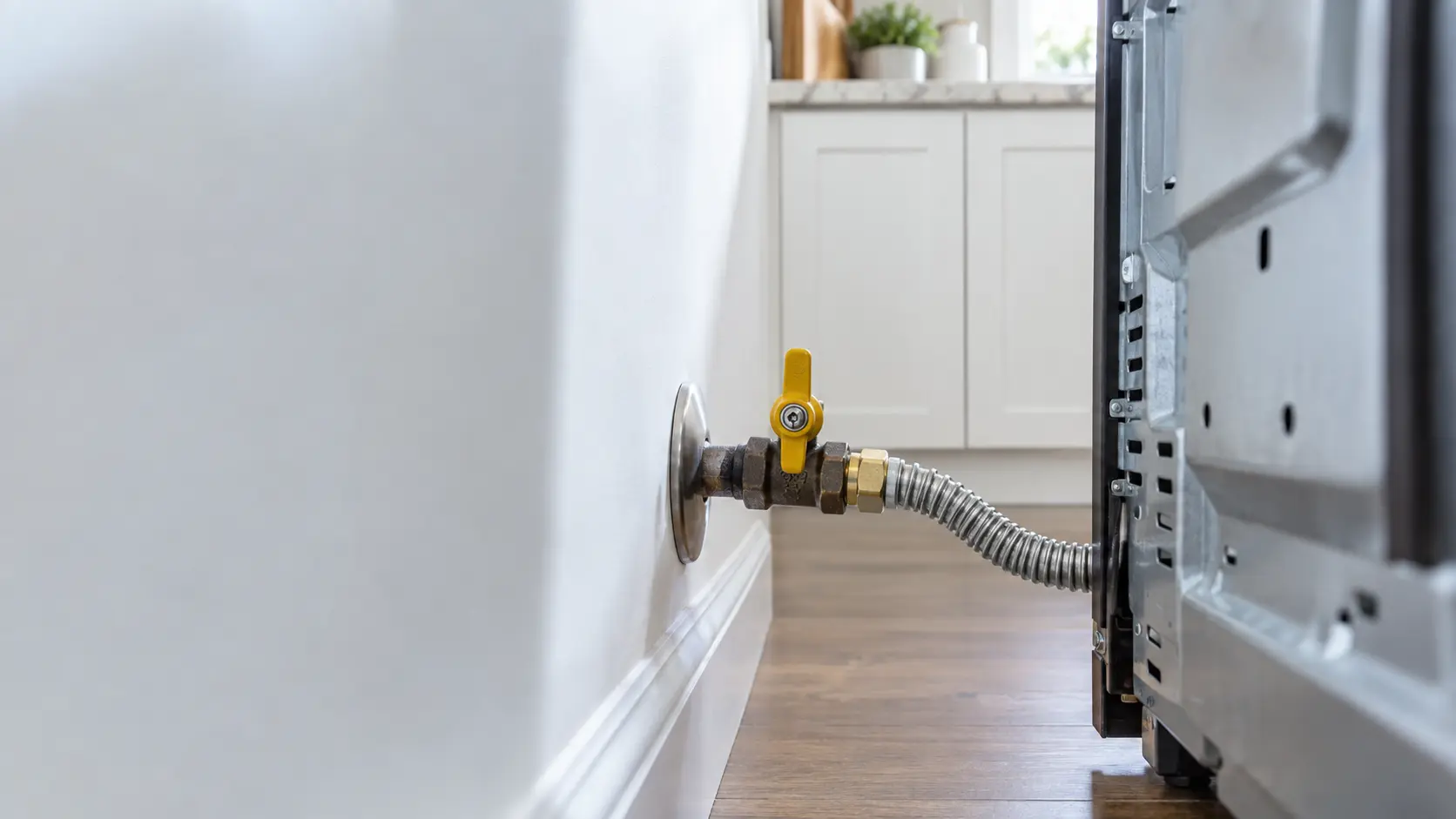
Fire, gas and water safety
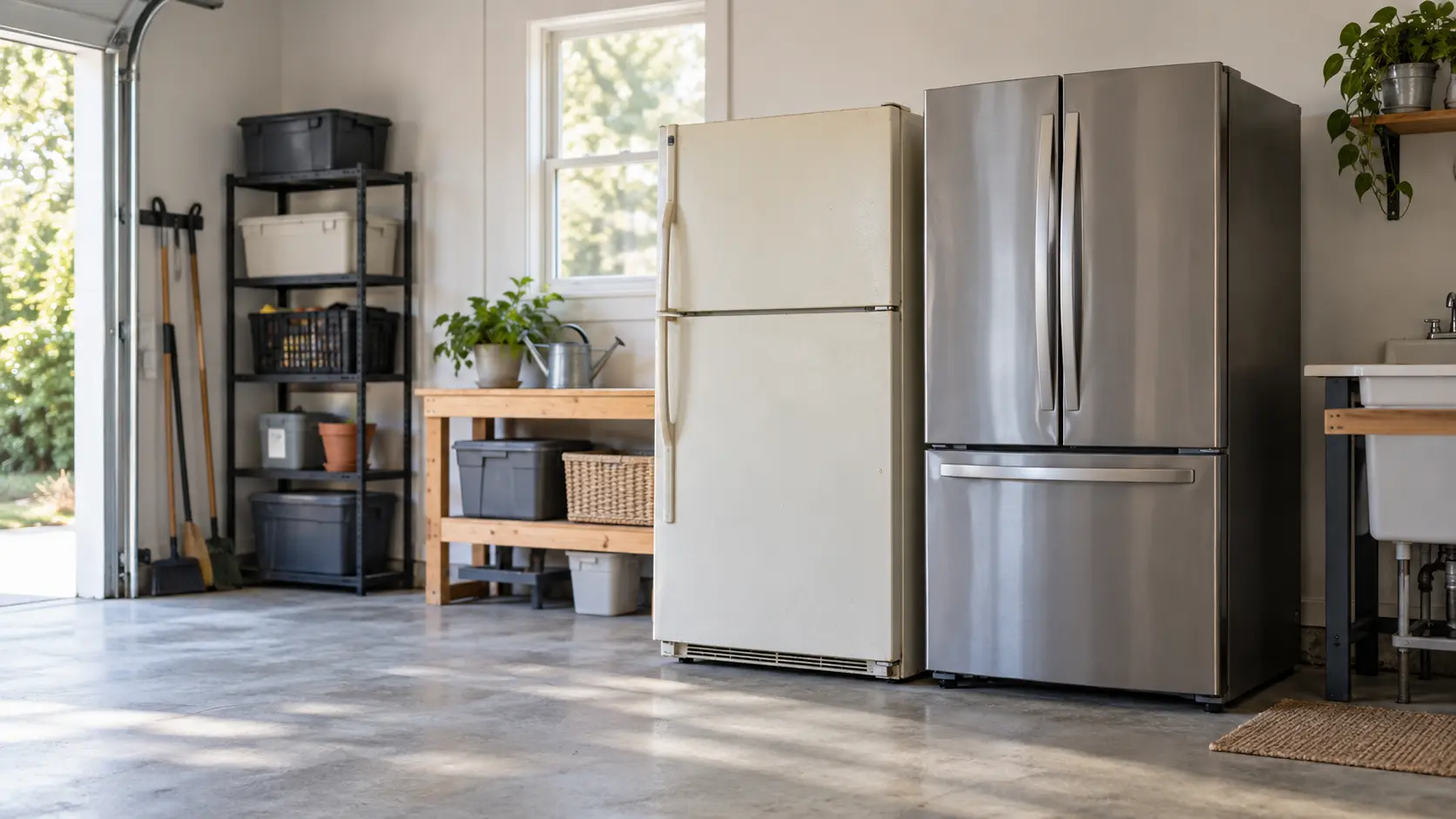

Set up for easy upkeep
Start from your question
The four questions most visits start with, each with the guide that answers it.
18 guidesWhere to start Where to startBack to your everyday
Let’s get your home appliance working again.
Three short steps online, or one call. Tell us what you are seeing and pick a window that works.